TinyWow
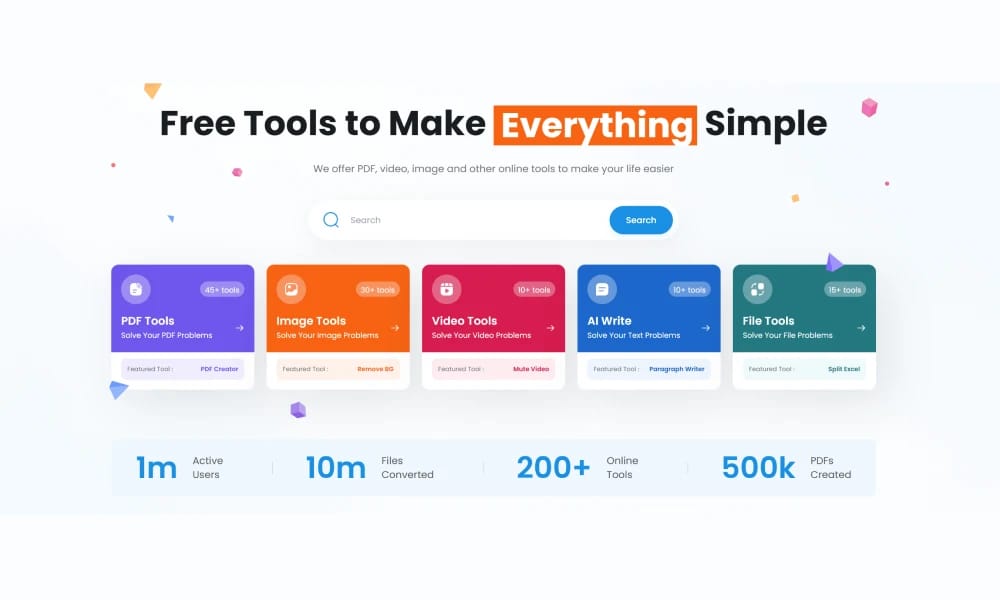
TinyWow propose plus de 250 outils en ligne gratuits pour traiter des PDFs, images, videos et plus.
Aperçu du Produit
TinyWow est un site web avec une large variete doutils gratuits pour traiter des fichiers, des PDFs aux videos, sans necessite dinscription.
Idéal pour
Etudiants, employes de bureau et utilisateurs occasionnels ayant besoin doutils de traitement de fichiers rapides et gratuits.
Fonctionnalités Clés
- Plus de 250 outils gratuits
- Outils IA inclus
- Sans inscription ni telechargement
- Traitement par lots
- Compression de fichiers
- Utilitaires additionnels
Avantages
- +Completement gratuit
- +Couverture integrale
- +Traitement rapide
Inconvénients
- -Limites dutilisation quotidienne
- -Qualite variable des outils IA
/// SPÉCIFICATIONS
- Tarif :ProFree
- Free tier available, premium features paid

Nano Banana
Nano Banana est un outil de generation et dedition dimages avec IA developpe par Google.

RestorePhotos
RestorePhotos.io propose un service gratuit de restauration de photos par IA.

Pixian
Pixian.ai est un outil professionnel de suppression d'arrière-plan en ligne avec IA.

Experte Background Remover
Experte.com propose un outil en ligne gratuit pour supprimer automatiquement les arriere-plans dimages.

ImgUpscaler
ImgUpscaler est un outil dIA en ligne pour agrandir les images sans perte et ameliorer leur qualite.

Upscayl
Upscayl est une application de bureau gratuite et open source qui utilise lIA pour agrandir sans perte et ameliorer la qualite des images basse resolution.

Palette
Palette.fm est un outil en ligne qui utilise lintelligence artificielle pour coloriser automatiquement les photographies en noir et blanc.

FocoClipping
FocoClipping est un outil en ligne qui utilise lIA pour le detourage et ledition intelligente dimages.

Google Labs Whisk
Google Whisk est un outil experimental dIA de Google Labs.

PicWish
PicWish est un puissant outil de traitement d'images en ligne avec suppression d'arrière-plan.