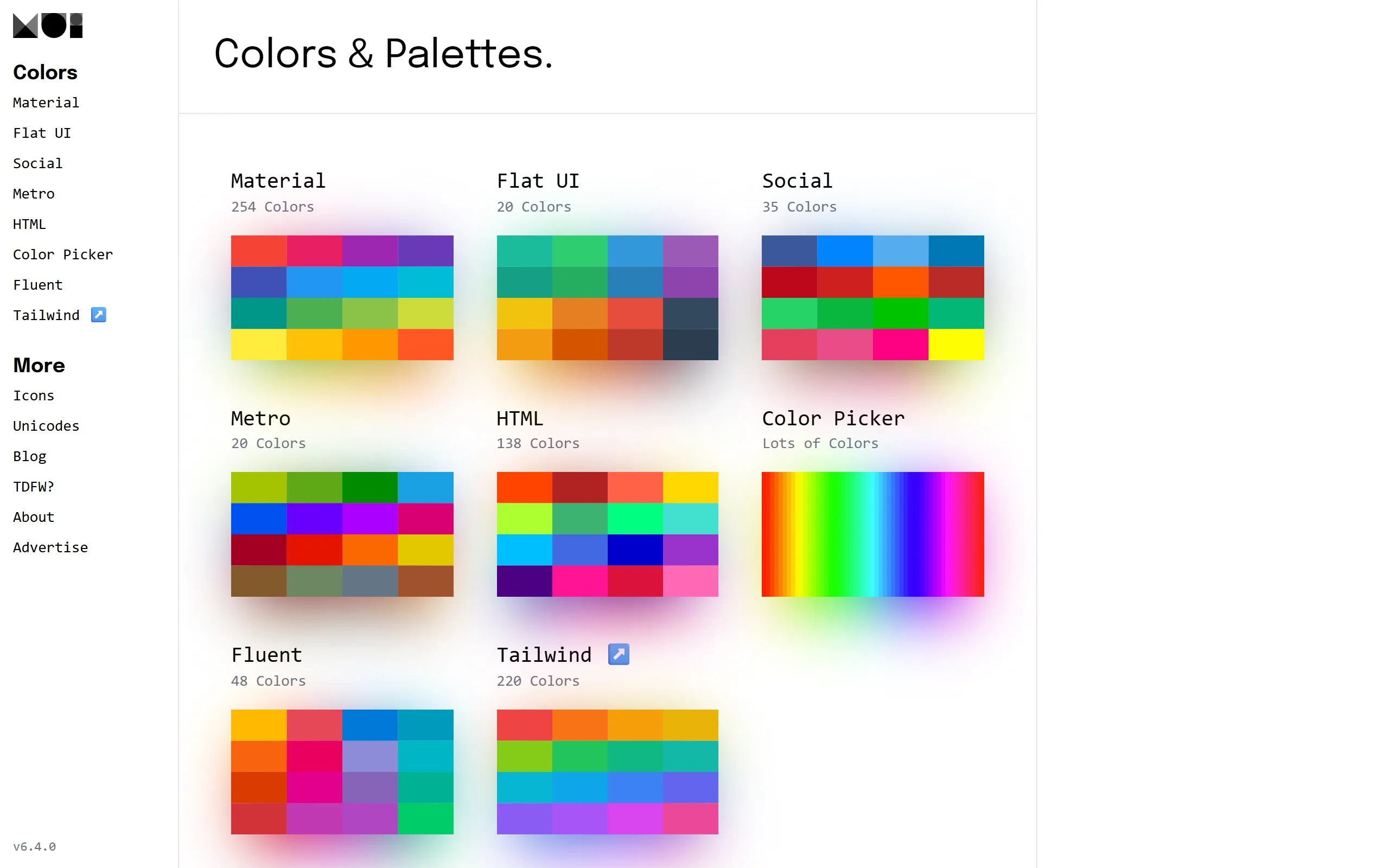
Material UI Color Tool
Material UI Color Tool provides a Material Design-styled color scheme generation and preview tool.
Product Overview
Material UI Color Tool is an online tool specifically designed to assist with color selection for Material Design user interfaces. The website's content focuses on helping designers and developers create and apply color schemes according to Material Design guidelines. Its main functionalities include: Primary and Accent Color Selection: Users can choose primary and accent colors from Material Design's standard color palette. Color Preview: The tool provides real-time previews of the selected colors applied to Material Design components (such as toolbars, buttons, text, etc.). This includes different shades and variants of the colors. Text Readability Check: Automatically evaluates the readability of text on the chosen background color, ensuring compliance with accessibility standards. Export Functionality: Users can export the HEX, RGB, and other color codes of the selected palette for direct use in their projects. Color Harmony: Helps users understand the principles of color pairing in Material Design to create visually consistent and harmonious interfaces. Material UI Color Tool is a practical resource for any designer and developer looking to follow Material Design specifications for interface design and seeking appropriate color schemes.
Best For
Best for designers and developers building Material Design interfaces who need accessible, guideline-compliant color schemes with quick export to development tokens.
Key Features
- Material Design color palette generator with primary, secondary, and accent color selection
- Real-time color preview on sample UI components like buttons, cards, and headers
- Accessibility contrast checker ensuring WCAG AA/AAA compliance for text on backgrounds
- Export color tokens as HEX, RGB, and CSS custom properties for developers
- Color harmony guidance based on Material Design color system principles
- Light and dark theme color scheme generation with automatic adjustment
Pros
- +Directly follows Material Design guidelines for consistent UI color systems
- +Built-in contrast checker saves time on accessibility validation
- +Clean interface with immediate visual feedback on UI mockups
Cons
- -Limited to Material Design color system only, not for general palette creation
- -No CMYK or print-oriented color export options
/// SPECS
- Pricing:Free
BairesDev AI Colors
BairesDev AI Colors is an online AI-powered color palette generator provided by BairesDev, helping designers quickly create harmonious and creative color combinations.
UI Colors
UI Colors is a free Tailwind CSS color palette generator that creates editable shades from a base color with UI previews and Figma integration for quick design inspiration.
Designgradients
A free collection of 48 designer-curated linear gradients with HEX values, ideal for digital art backgrounds.
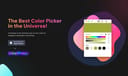
ColorSlurp
A cross-platform color tool suite with precision picking, palette management, contrast checking, and Mac/iOS sync.
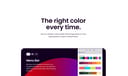
Sip
A modern color picker and collaboration tool with menubar access, team palette sharing, and contrast checking for design workflows.
Dopely Colors
Dopely Colors offers a comprehensive set of online color tools for generating, exploring, and managing color palettes.
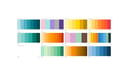
ColorDrop
ColorDrop is a website offering a large collection of curated color palettes and color inspiration.
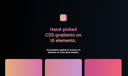
Gradientos
A UI element gradient showcase tool offering curated CSS gradients with live preview on interface components.
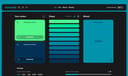
Hue Tools
open-source color toolbox for hex previews and creative color work.
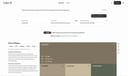
Color AI
AI tool for generating brand color palettes based on science and culture.