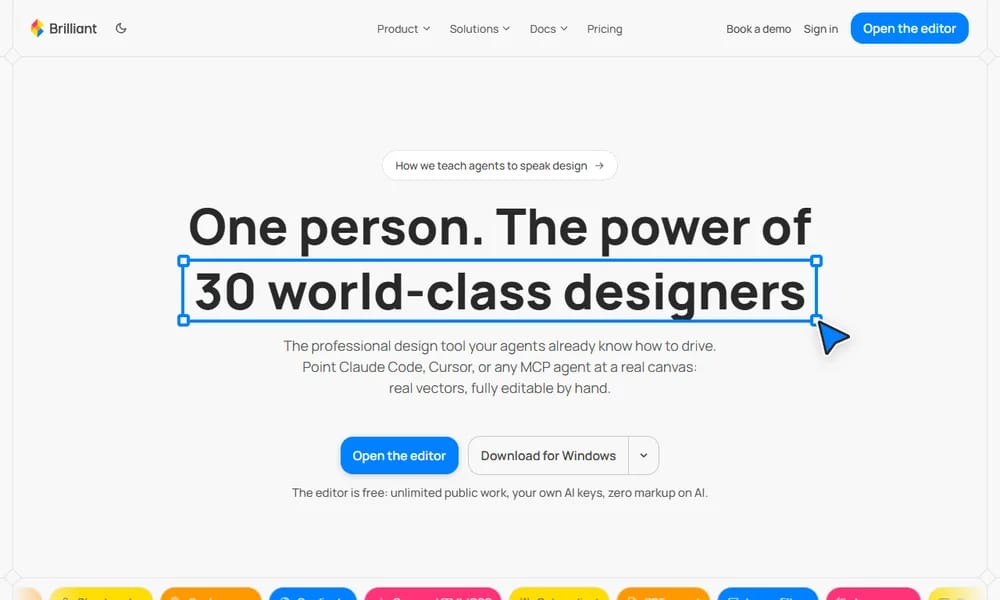
Brilliant
Professional vector design tool you and your AI agents drive together
Product Overview
Brilliant is a professional vector design tool built around AI agents. Designer and AI work on the same real canvas: you describe what you want, agents create fully editable native vector layers, and you refine them by hand. It runs on a world-class GPU engine with liquid-glass materials, shader fills, and 6,000+ built-in icons. Brilliant is both an MCP server and client. You can drive it from Claude Code, Cursor, Codex, or GitHub Copilot, or connect any MCP server into its own harness. Design files are stored as plain-text Blueprint files, so you can diff them in pull requests, branch them like code, and let any agent read them. Built-in design systems, tokens, modes and brands keep every screen on-brand, while per-turn revert and a quality linter check spacing and contrast before edits reach the canvas. Export to PNG, SVG, React, HTML, PDF and video, or round-trip with Figma in one click.
Best For
Best for product designers and teams building AI-native design workflows
Key Features
- Real native vector editing with frames, auto layout, and components
- Bidirectional MCP: drive it from Claude Code, Cursor, Codex, or Copilot
- Built-in AI chat with @-mentions, eyedropper, and provider switching
- Design systems with tokens, light/dark modes, and multi-brand support
- GPU engine with liquid glass, metal, and ~50 shader presets
- Design files as plain-text Blueprint, diffed in PRs like code
- Quality linter checks spacing and contrast before edits land
- Export to React, HTML, SVG, PDF, and video
- One-click import and round-trip with Figma
- 6,000+ built-in icons and real shader fills
Pros
- +AI agents work directly on real, editable vectors
- +Plain-text design files integrate with version control
- +Powerful GPU rendering for modern materials
- +Strong design system and token support
- +Free editor with generous AI access
Cons
- -macOS-first; Windows support is still limited
- -Newer and less mature than Figma
- -AI features work best with your own API keys
/// SPECS
- Pricing:ProFree
- Platform:Mac / Web
- Editor free; paid plans add AI quota and storage

EmojiAI
AI-powered emoji generator for custom emojis

ImagePrompt.org
AI image prompt tools and generator suite
UXie.io
Free design tool collection for developers
OpenPromptStudio
Visual AI prompt editor by Moonvy

Prompt Hunt
AI art platform with custom Chroma model

Genspark Design
The next-gen AI for design — powered by Claude Opus 4.7
21st.dev
Hand-crafted React components and templates — not AI slop

Apple Design Resources
Official Apple design templates, UI kits, fonts, and tools

DesignMD
Extract any website's design DNA into an AI-ready DESIGN.md

Name That UI
The visual dictionary for UI and product designers

MiniMax H3 Max
Turn a prompt or image into a video clip in seconds — free

CleanVideoAI
Remove watermarks, logos, and text from videos instantly — free & no login

Photon Studio
A free desktop image editor with layers, retouching, and native PSD support
Compositor
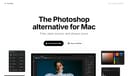
The Photoshop alternative for Mac — free, open source, and always yours

Concat
The free, open-source CapCut replacement — no watermarks, no account, no subscription
Textures
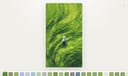
Add print, glyph, paper, and painterly textures to images — right in your browser