Product Overview
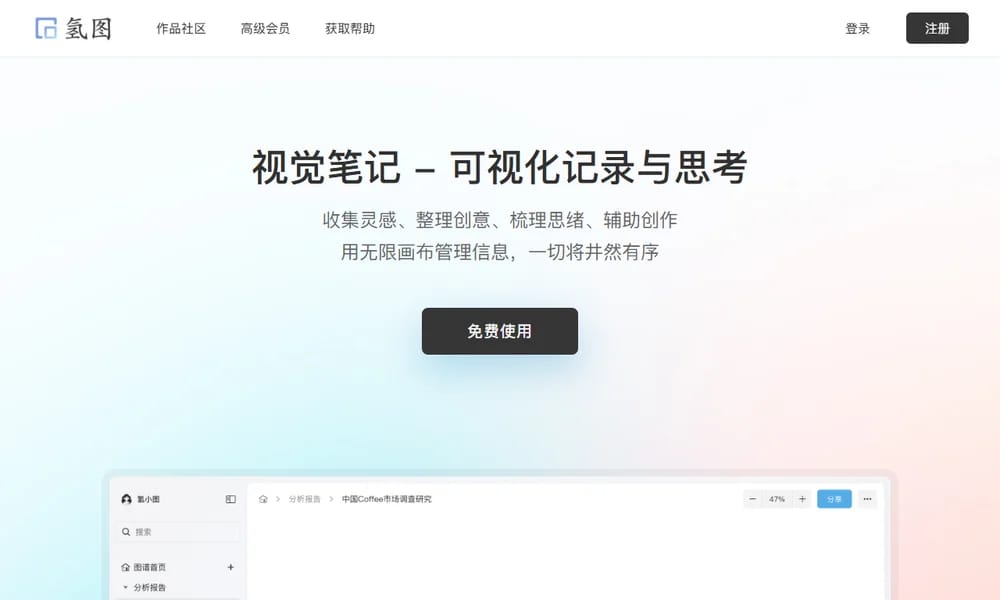
Qingtu (氢图) is a screenshot annotation and beautification tool with cloud storage. Users can add stylish frames, shadows, backgrounds, and annotations to their screenshots, then organize them into collections for easy sharing. It supports both web and Mac platforms, making it convenient for designers, developers, and content creators to create polished visual assets.
Best For
Best for designers, developers, and content creators who need to annotate and beautify screenshots for presentations, documentation, and social media.
Key Features
- Add device frames and stylish backgrounds to screenshots
- Flexible annotation tools with text, arrows, and highlights
- Cloud storage for organized screenshot collections
- Smart shadows and reflection effects for visual polish
- One-click sharing with generated links
- Support for batch processing and bulk editing
Pros
- +Makes screenshots look professional and polished instantly
- +Cloud storage keeps collections organized
- +Works on both web and Mac platforms
Cons
- -Windows version is not available yet
- -Free tier has limited storage space
/// SPECS
- Pricing:ProFree
- Platform:Web / Mac

PostSpark
Online image beautification with borders, shadows, and mockups

Simple.ink
Beautiful design documentation and handoff platform

Same.energy
AI-powered visual search for similar style and composition

Ruri Gradiator
Advanced CSS gradient editor with a unique grid interface

Craft
Beautiful document creation for Mac, iOS and Web

Macaron
Free collection of SVG UI elements and design assets

Screensiz.es
Comprehensive reference for device screen sizes and resolutions
Checklist Design
Curated checklists for every stage of design
Imgsrc.io
Brand mockup generator for social-ready images

Morflax Studio
Online 3D product visualization and design tool